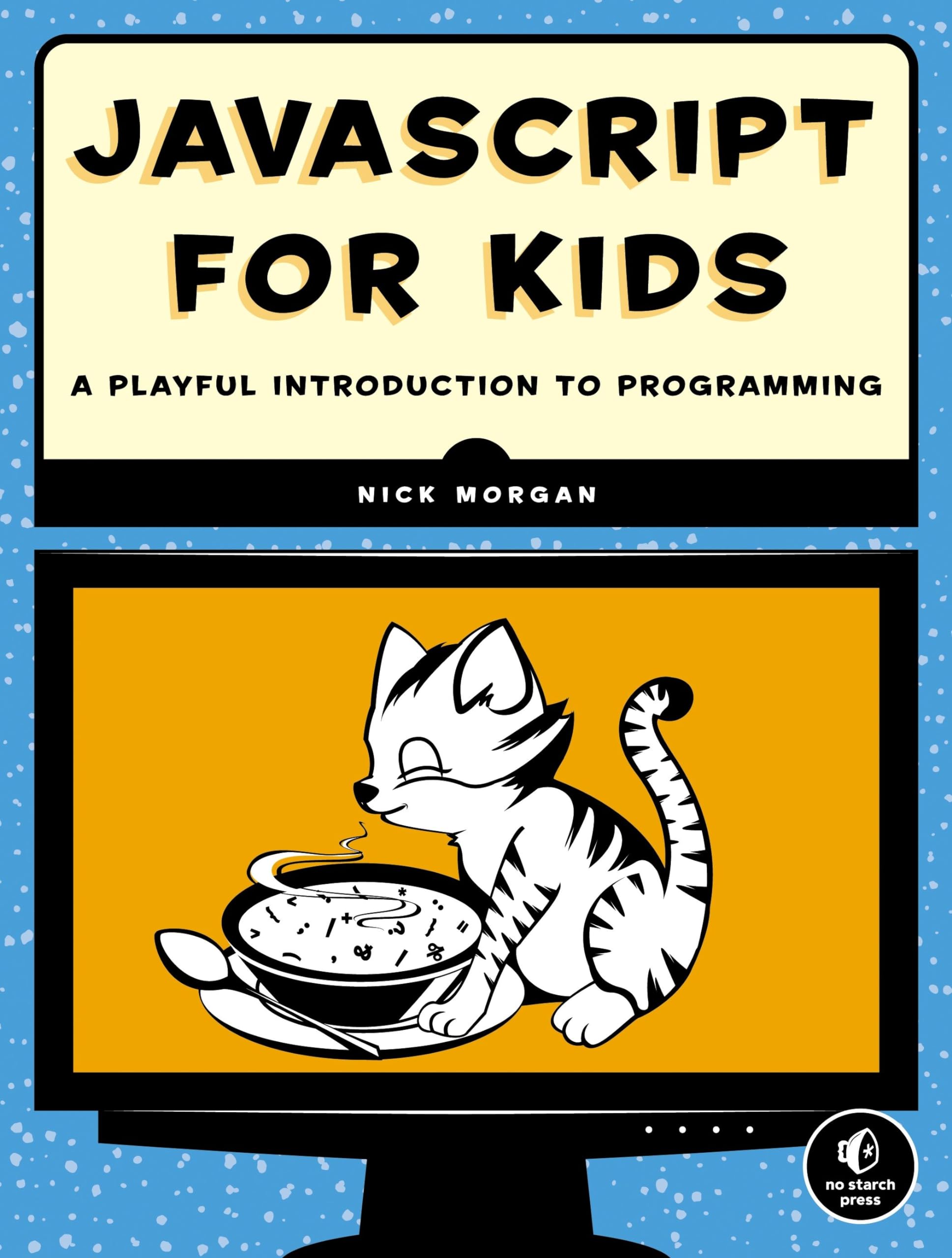
If you are a parent, teacher, or even a young aspiring coder looking to explore programming without the usual dry textbooks, “JavaScript for Kids” is a gem that makes learning fun and approachable. It’s all about turning code into playtime, using games and interactive projects to teach the basics of JavaScript. Think of it as building a solid foundation early on, just like I’d advise in software craftsmanship—start with the essentials in a way that sticks.
Why This book Hits the Mark for Young Learners
I’ve always believed that good habits in programming begin young, and the book nails that by making concepts clear and engaging for kids in grades 4 through 6. It’s ideal for those curious minds who might be intimidated by screens full of code, but want to create their own games or animations.
- Get kids hooked early: If your child is showing any interest in tech, the book turns that spark into real skills. It avoids overwhelming jargon and uses playful examples, so they learn loops, variables, and functions without realizing they’re studying.
- Practical advice for parents and educators: Use this as a tool to guide sessions at home or in class. Encourage hands-on experiments—have them build simple projects that run in the browser, fostering problem-solving and logical thinking from the get-go.
- Build a path to more advanced coding: As someone who’s preached clean code, I appreciate how this intro sets up good practices. Kids will grasp the joy of debugging and iterating, which are crucial skills they’ll carry forward.
Make It Part of Your Routine
Don’t just hand the book over—make it interactive. Sit with your kid, work through the chapters together, and watch how it boosts their confidence. It’s a simpler way to introduce programming as a creative outlet, not a chore, and that is advice worth taking to heart for any budding developer.