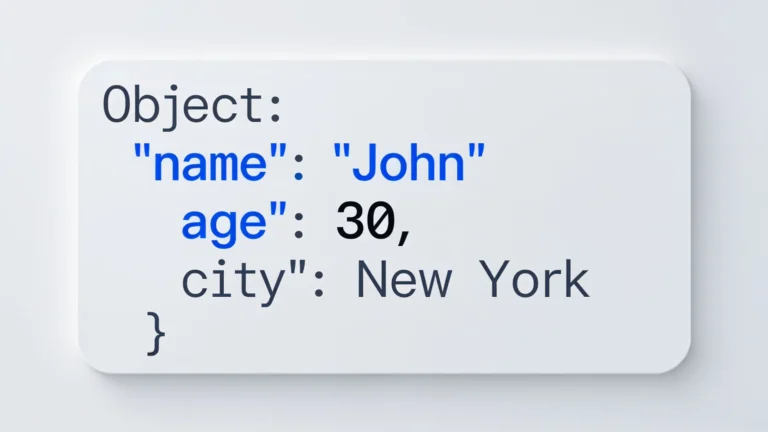
How to add layers to a TensorFlow.js model

How to add layers to a TensorFlow.js model

Implementing layers in TensorFlow.js involves understanding layer types and their interaction with data. Key components include convolutional layers for image processing, LSTM layers for sequential data, and dropout layers to prevent overfitting. Choosing appropriate activation functions is crucial for model performance, especially in classification tasks.
How to lazy load content in JavaScript

How to lazy load content in JavaScript

Enhance web performance with lazy loading techniques using placeholder images and loading spinners. Implement Intersection Observer for efficient image loading, ensuring accessibility through ARIA attributes. Improve user experience by providing visual feedback and managing loading states effectively. Essential for modern, responsive web applications.
Javascript

How to test error handling in JavaScript

Establishing a systematic approach to error handling is crucial for application reliability. Implementing a dedicated error handling module centralizes error management, ensuring consistent logging and display. Writing unit tests for error logic, using structured error responses, and maintaining user experience are essential practices for effective error management.
How to set a nested property with Lodash

How to set a nested property with Lodash

JavaScript objects can have nested properties, making it essential to understand dot and bracket notation for accessing and manipulating these structures. Optional chaining, introduced in ES2020, allows for safe access to deeply nested properties. Libraries like Lodash simplify these tasks with methods such as _.get and _.set, enhancing error handling and data management.
How to extract hours, minutes, and seconds in JavaScript

How to extract hours, minutes, and seconds in JavaScript

JavaScript's Date objects can be converted to strings for easy time extraction. The toTimeString() method provides a formatted string, allowing quick access to HH:MM:SS. String manipulation simplifies the process of displaying or parsing time, while toLocaleTimeString() offers locale-sensitive formatting. Efficient techniques for handling time in JavaScript.
How to optimize memory in large applications in JavaScript

How to optimize memory in large applications in JavaScript

Effective strategies for reducing memory consumption in JavaScript applications include object pooling, using typed arrays, and managing large data structures. Clean up unused resources and utilize modern features like `let` and `const` for better memory management. Memory profiling tools can also provide insights into optimization opportunities.
How to handle errors in Axios requests

How to handle errors in Axios requests

Graceful degradation in error handling enhances application functionality during failures, ensuring a positive user experience. Implement fallback mechanisms, user-friendly error messages, and exponential backoff for retries. Utilize service workers for offline support and monitor with logging tools. Documentation of strategies aids future maintenance and reliability.