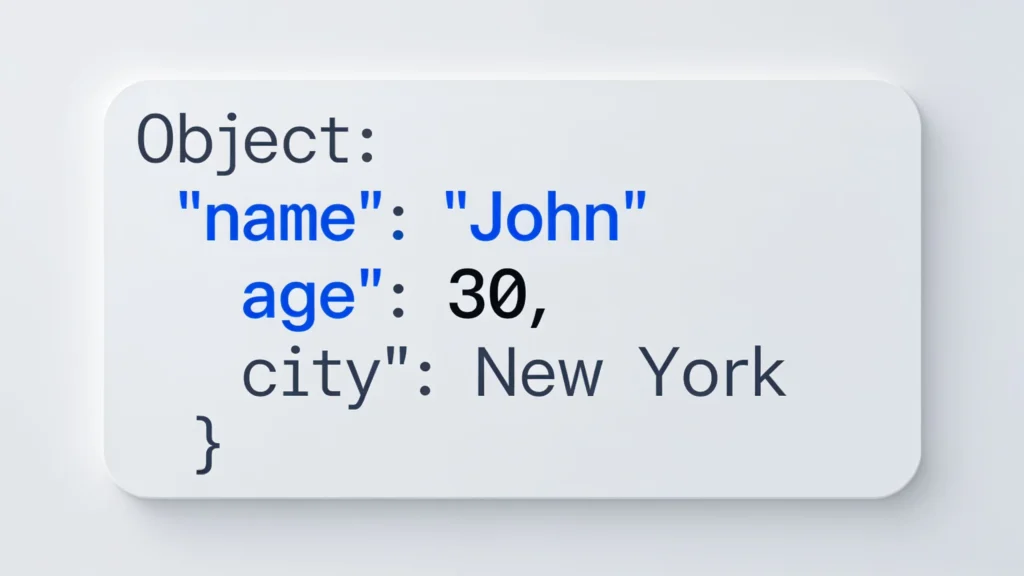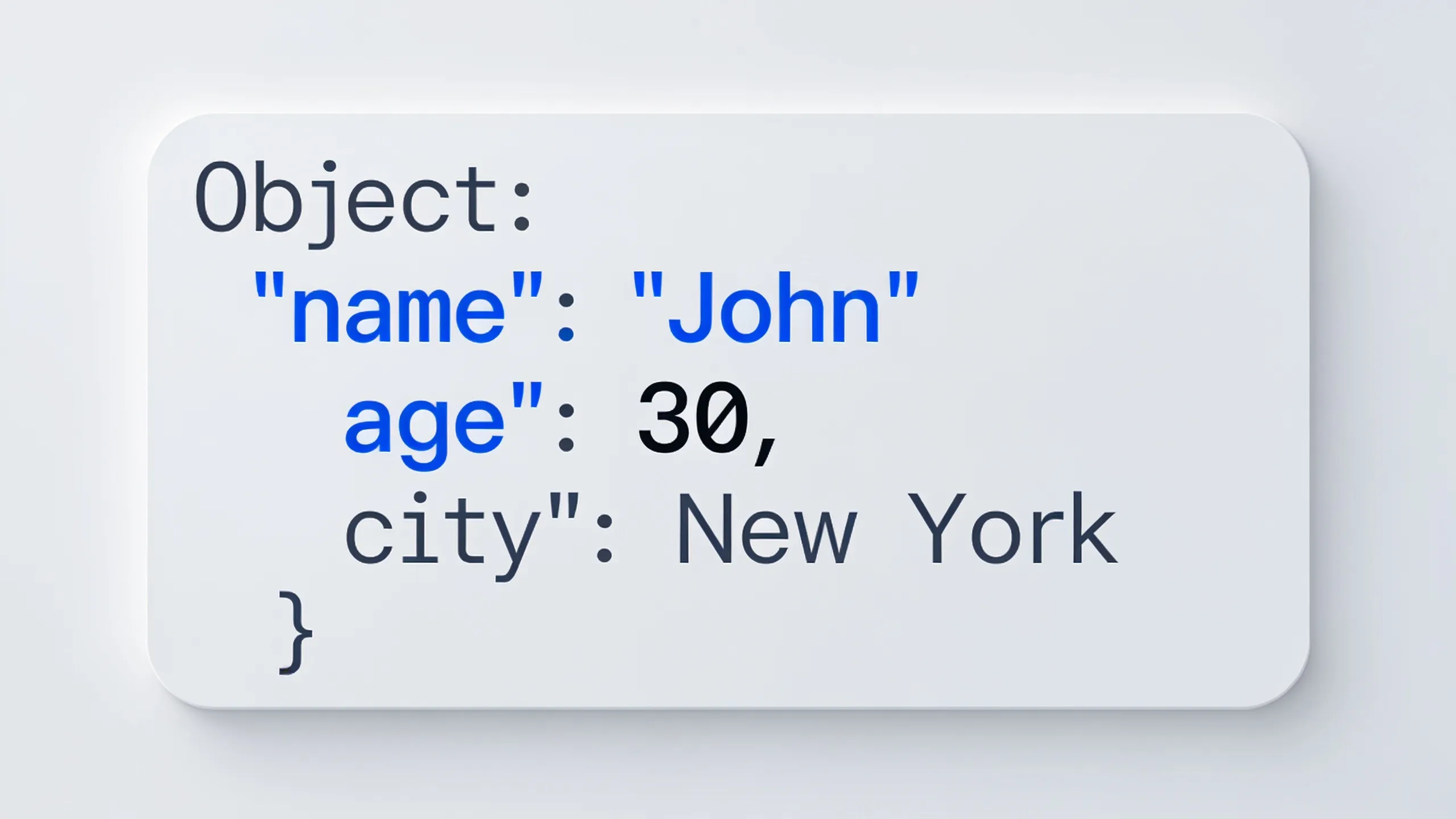
JavaScript Object Notation, or JSON, serves as a lightweight data interchange format that is easy for humans to read and write and easy for machines to parse and generate. The structure of JSON is derived from JavaScript object literals, making it a natural fit for web applications.
The basic structure of JSON consists of key-value pairs. Keys are always strings, while values can be strings, numbers, objects, arrays, booleans, or null. This flexibility allows for a rich representation of data. Here’s a simple example of a JSON object:
{
  "name": "Alice",
  "age": 30,
  "isStudent": false,
  "courses": ["Mathematics", "Science"],
  "address": {
    "street": "123 Main St",
    "city": "Anytown"
  }
}
In the example above, we see a JSON object that includes various types of values. This nested structure allows for organized representation of complex data. Note how the “address” key holds another object, which itself contains more key-value pairs.
Arrays in JSON are also an important feature, as they allow you to group values under a single key. In the previous example, the “courses” key contains an array of strings. To access these elements in JavaScript, you can use the following syntax:
const jsonData = {
  "courses": ["Mathematics", "Science"]
};

console.log(jsonData.courses[0]); // Outputs: Mathematics
When working with JSON data, it’s essential to ensure that your keys are unique within a given object. If a key appears more than once, the last occurrence will overwrite any previous value associated with that key. This behavior can lead to unexpected results if not properly managed.
Understanding the nuances of JSON structure very important for effective data handling in JavaScript applications. As you work with APIs, you’ll encounter JSON data frequently, and recognizing how to navigate its structure will greatly enhance your ability to manipulate and use the data effectively.

Highwings 8K 10K 4K HDMI Cable 48Gbps 6.6FT/2M, Certified Ultra High Speed 2.1 HDMI Cable Braided Cord-4K@120Hz 8K@60Hz, DTS:X, HDCP 2.2 & 2.3, HDR 10 Compatible with DVD Player/PS5/HDTV/Blu-ray
$5.99 (as of July 20, 2026 03:55 GMT +00:00 - More infoProduct prices and availability are accurate as of the date/time indicated and are subject to change. Any price and availability information displayed on [relevant Amazon Site(s), as applicable] at the time of purchase will apply to the purchase of this product.)Using JSON parsing methods
To parse JSON data in JavaScript, the built-in JSON.parse() method is your primary tool. This method takes a JSON string and converts it into a JavaScript object. Here’s an example demonstrating this:
const jsonString = '{"name": "Alice", "age": 30, "isStudent": false}';
const jsonObject = JSON.parse(jsonString);

console.log(jsonObject.name); // Outputs: Alice
It’s important to note that the input string must be valid JSON; otherwise, JSON.parse() will throw an error. This method is particularly useful when handling data received from an API. For instance, if you make an HTTP request and receive a JSON response, you would typically parse it like this:
fetch('https://api.example.com/data')
  .then(response => response.json())
  .then(data => {
    console.log(data);
  })
  .catch(error => console.error('Error:', error));
In this example, the response.json() method is a convenience method that resolves with the result of parsing the response body text as JSON. This approach is simpler and integrates smoothly with modern JavaScript’s promise-based architecture.
Another aspect of working with JSON is converting JavaScript objects back into JSON strings using the JSON.stringify() method. That’s often necessary when you want to send data back to a server. Here’s how you can do that:
const user = {
  name: "Alice",
  age: 30,
  isStudent: false
};

const jsonString = JSON.stringify(user);
console.log(jsonString); // Outputs: {"name":"Alice","age":30,"isStudent":false}
Using JSON.stringify() can also take a second parameter, a replacer function, which allows you to control which properties are included in the resulting JSON string. This can be particularly useful when you want to exclude sensitive information or to format the output:
const user = {
  name: "Alice",
  age: 30,
  password: "secret"
};

const jsonString = JSON.stringify(user, (key, value) => {
  if (key === 'password') {
    return undefined; // Exclude password from JSON
  }
  return value;
});

console.log(jsonString); // Outputs: {"name":"Alice","age":30}
With these parsing methods, you can effectively manage the transition between JSON strings and JavaScript objects, allowing for seamless data manipulation and communication between your application and external services.
However, as with any data handling process, it’s vital to implement error handling strategies to manage potential issues that may arise during parsing or stringifying operations. In practice, you might want to wrap your parsing logic in a try-catch block to gracefully handle errors:
const jsonString = '{"name": "Alice", "age": "thirty"}'; // Invalid age value

try {
  const jsonObject = JSON.parse(jsonString);
  console.log(jsonObject);
} catch (error) {
  console.error('Parsing error:', error);
}
By catching errors during parsing, you can prevent your application from crashing and provide meaningful feedback to users or log the issue for further investigation. This approach enhances the robustness of your code when dealing with dynamic data sources.
Testing the validity of JSON data is equally important. When you’re working with external APIs, you may occasionally encounter malformed JSON. To verify the integrity of the data, you can write simple validation functions that check for expected structures or data types:
function isValidUser(data) {
  return data && typeof data.name === 'string' && typeof data.age === 'number';
}

const userData = JSON.parse('{"name": "Alice", "age": 30}');

if (isValidUser(userData)) {
  console.log('Valid user data:', userData);
} else {
  console.error('Invalid user data');
}
This validation technique ensures that your application can handle unexpected data formats gracefully, so that you can maintain control over the data integrity throughout your application’s lifecycle. As you develop your skills with JSON, you’ll find that these parsing methods and validation strategies are essential tools in your programming toolkit.
Implementing error handling strategies
When implementing error handling strategies for JSON processing, it very important to consider various scenarios that can lead to errors. For instance, an attempt to parse an incorrectly formatted JSON string will result in a syntax error. This requires a robust error management system to ensure the application remains stable and informative to the end user.
A common practice is to use the try...catch statement when parsing JSON data. This allows you to catch any exceptions thrown by the JSON.parse() method. Below is an example illustrating this approach:
const malformedJson = '{"name": "Alice", "age": 30'; // Missing closing brace

try {
  const userObject = JSON.parse(malformedJson);
  console.log(userObject);
} catch (error) {
  console.error('Error parsing JSON:', error.message);
}
In this case, the error message will provide insight into what went wrong, which is invaluable for debugging. Additionally, you can implement more sophisticated error handling by categorizing errors and responding accordingly. For example, if you expect a certain data structure, you can check for specific properties before proceeding:
const jsonString = '{"name": "Alice", "age": 30}';

try {
  const user = JSON.parse(jsonString);
  if (!user.name || typeof user.name !== 'string') {
    throw new Error('Invalid user name');
  }
  console.log('User name is valid:', user.name);
} catch (error) {
  console.error('Error:', error.message);
}
This pattern not only helps you manage parsing errors but also validates the data structure, ensuring your application behaves predictably even when encountering unexpected input.
Another aspect of error handling involves the scenario where you need to convert a JavaScript object back to a JSON string. The JSON.stringify() method can also throw errors, particularly when the object contains circular references or non-serializable values. Here’s how you might handle such cases:
const circularReference = {};
circularReference.self = circularReference;

try {
  const jsonString = JSON.stringify(circularReference);
  console.log(jsonString);
} catch (error) {
  console.error('Error stringifying JSON:', error.message);
}
In this situation, the error handling ensures that your application does not crash due to a circular reference. Instead, it logs an appropriate error message, which aids in troubleshooting.
As you develop applications that rely on JSON data, you may encounter situations where you need to validate the format of the JSON data before processing it. One approach is to write a validation function that checks for expected keys and their corresponding data types. Here’s a practical example:
function validateUser(data) {
  if (!data || typeof data !== 'object') {
    return false;
  }
  return typeof data.name === 'string' && typeof data.age === 'number';
}

const userData = '{"name": "Alice", "age": 30}';

try {
  const parsedData = JSON.parse(userData);
  if (validateUser(parsedData)) {
    console.log('User data is valid:', parsedData);
  } else {
    throw new Error('User data validation failed');
  }
} catch (error) {
  console.error('Error:', error.message);
}
This validation ensures that only appropriately structured data is processed further in your application, enhancing data integrity and reliability. By combining these error handling techniques with validation strategies, you can create robust applications that handle JSON data effectively and gracefully.
Ultimately, testing the validity of JSON data should not be overlooked. When working with APIs or external data sources, it’s common to encounter malformed JSON that can disrupt your application’s flow. Implementing a validation strategy can help mitigate these issues, ensuring that your application can handle various data formats without compromising functionality. For example, you might want to check if a JSON object contains all the necessary fields before proceeding:
function isValidResponse(data) {
  return data && typeof data.status === 'string' && data.status === 'success';
}

const apiResponse = '{"status": "success", "data": {"name": "Alice"}}';

try {
  const responseData = JSON.parse(apiResponse);
  if (isValidResponse(responseData)) {
    console.log('API response is valid:', responseData);
  } else {
    throw new Error('Invalid API response format');
  }
} catch (error) {
  console.error('Error:', error.message);
}
Using these strategies effectively will not only enhance your application’s resilience but also improve the overall user experience by providing meaningful feedback when things go wrong. As you continue to work with JSON, these practices will become second nature, allowing you to focus on building robust features without being hindered by data handling issues.
Testing validity with practical examples
Testing the validity of JSON data is essential, particularly when interfacing with external APIs or services. A common practice is to create validation functions that check for the expected structure of the JSON data. This can prevent potential runtime errors and ensure that your application behaves as intended. Here’s an example of a simple validation function:
function isValidProduct(data) {
  return data && typeof data.id === 'number' && typeof data.name === 'string';
}

const productData = JSON.parse('{"id": 1, "name": "Widget"}');

if (isValidProduct(productData)) {
  console.log('Valid product data:', productData);
} else {
  console.error('Invalid product data');
}
In this example, the function checks that the data contains an id as a number and a name as a string. If the data does not conform to these expectations, the function returns false, allowing the application to handle the issue gracefully.
Another useful technique is to leverage libraries that provide schema validation for JSON data, such as Ajv or Joi. These libraries allow you to define a schema that describes the expected structure of your data. Here’s a brief example using Ajv:
const Ajv = require('ajv');
const ajv = new Ajv();

const schema = {
  type: 'object',
  properties: {
    id: { type: 'number' },
    name: { type: 'string' }
  },
  required: ['id', 'name']
};

const validate = ajv.compile(schema);
const productData = JSON.parse('{"id": 1, "name": "Widget"}');

if (validate(productData)) {
  console.log('Valid product data:', productData);
} else {
  console.error('Invalid product data:', validate.errors);
}
This approach provides a more robust validation mechanism, enabling you to specify complex rules and constraints for your JSON data. By using such libraries, you can enhance the reliability of your application when dealing with dynamic or external data sources.
Furthermore, it’s important to consider edge cases when validating JSON data. For instance, you might want to ensure that certain fields are not only present but also contain valid values. This can be achieved by extending your validation functions. Here’s an example that checks for a valid price in a product object:
function isValidProduct(data) {
  return data &&
         typeof data.id === 'number' &&
         typeof data.name === 'string' &&
         typeof data.price === 'number' &&
         data.price > 0;
}

const productData = JSON.parse('{"id": 1, "name": "Widget", "price": 19.99}');

if (isValidProduct(productData)) {
  console.log('Valid product data:', productData);
} else {
  console.error('Invalid product data');
}
This validation ensures that the price is not only a number but also a positive value, reinforcing the integrity of your data. As you implement these practices, remember that the goal of validation is not merely to avoid errors but to ensure that your application operates on reliable and accurate data.
Testing the validity of JSON data is a critical aspect of developing robust applications. By employing validation functions and using libraries, you can efficiently manage the integrity of the data flowing through your application. This proactive approach to data handling will lead to a more resilient and easy to use experience.