How to remove whitespace from both ends of a string in JavaScript

How to remove whitespace from both ends of a string in JavaScript

JavaScript's trim(), trimStart(), and trimEnd() methods efficiently manage whitespace in strings. The trim() method removes spaces from both ends, while trimStart() and trimEnd() target the beginning and end, respectively. These methods enhance string handling in user input, form data, and API responses, ensuring cleaner code and fewer bugs.
How to replace all occurrences in a string in JavaScript

How to replace all occurrences in a string in JavaScript

String replacements require attention to functionality and code clarity. Utilizing clear naming conventions enhances readability, while concise comments clarify complex logic. Maintaining performance with large datasets is crucial, along with consistency in coding style. Focus on readability and maintainability for effective string manipulation.
How to convert a boolean to a string in JavaScript

How to convert a boolean to a string in JavaScript

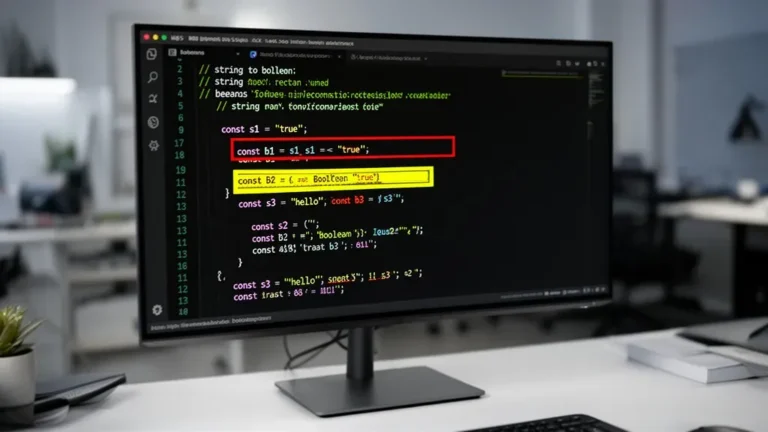
JavaScript's implicit type coercion can surprise developers, particularly with booleans. When booleans are used in string contexts, they are automatically converted to strings, affecting concatenation and template literals. This behavior can lead to subtle bugs, especially when mixing types. Understanding coercion rules is essential for clearer, bug-free code.
How to check if a string starts with a specific value in JavaScript

How to check if a string starts with a specific value in JavaScript

startsWith is the most efficient method for checking string prefixes in JavaScript, outperforming alternatives like regular expressions and substring comparisons. While regex can be optimized, it still incurs overhead. For performance-critical applications, using startsWith avoids unnecessary memory allocation and provides direct character comparisons, making it ideal for frequent prefix checks.
How to convert a number to a string in JavaScript

How to convert a number to a string in JavaScript

Handling negative zero (-0) in JavaScript string conversions presents unique challenges. Though -0 === 0 evaluates as true, their string outputs differ. Methods like toFixed() and Intl.NumberFormat can preserve signs and format numbers with thousands separators. Precision issues arise with floating-point arithmetic and large integers, necessitating careful management.