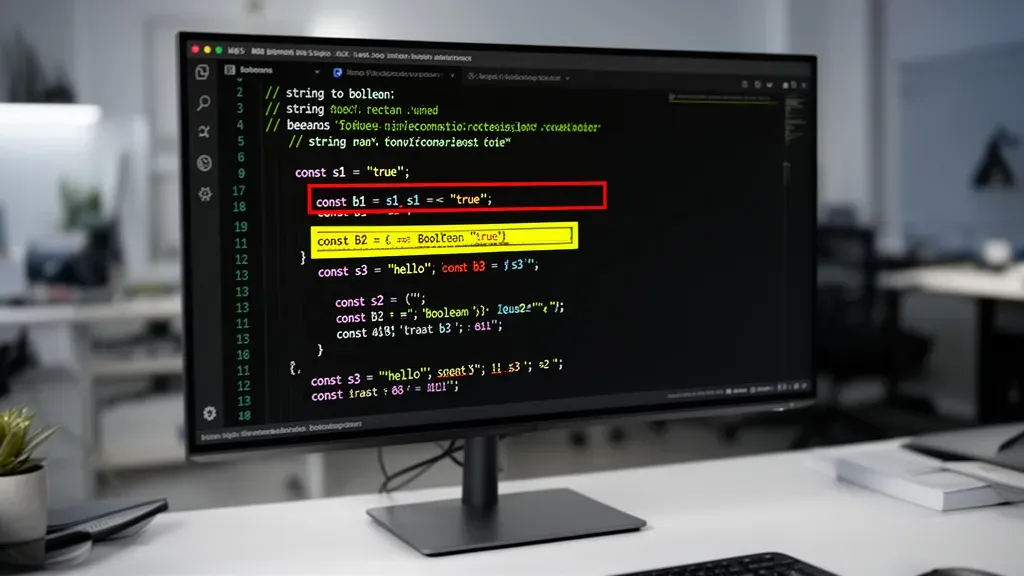
String to boolean conversion in JavaScript can lead to unexpected results if you are not careful. The most common misconception is treating all non-empty strings as true. While this holds true in many contexts, not all strings are created equal. For instance, the string “false” is a non-empty string and will be evaluated as true when coerced to a boolean, which can lead to logical errors in your code.
Another common pitfall is the use of loose equality comparisons. When you compare values using ==, JavaScript performs type coercion, which can yield results that are counterintuitive. For example, the expression “0” == false evaluates to true, but this behavior could be misleading. It’s vital to understand how JavaScript evaluates these expressions to avoid bugs.
To illustrate some of these pitfalls, consider the following examples:
console.log(Boolean("")); // false
console.log(Boolean("false")); // true
console.log(Boolean("0")); // true
console.log("0" == false); // true
These examples highlight that simply checking for truthiness may not be sufficient. You need to be aware of what your strings actually represent. If you’re parsing user input, for instance, you might encounter strings like “yes”, “no”, “true”, or “false”, which require explicit handling to ensure your boolean logic remains intact.
Another issue arises when using the JSON.parse method to convert strings to booleans. This method expects a specific format, and using it incorrectly can lead to runtime errors. If the input string is not a valid JSON boolean, such as “True” or “yes”, parsing will fail, throwing an error that can disrupt your application’s flow.
Here’s a quick example of what can go wrong:
console.log(JSON.parse("true")); // true
console.log(JSON.parse("yes")); // Uncaught SyntaxError: Unexpected token y in JSON at position 0
Understanding these nuances helps in writing more robust code. Instead of relying on implicit conversions, consider defining a utility function that can handle various string inputs and return a boolean value based on your specific needs. This not only improves code clarity but also prevents those subtle bugs that can arise from implicit coercion.
function stringToBoolean(str) {
  if (typeof str !== 'string') return false;
  const lowerStr = str.toLowerCase();
  return lowerStr === 'true' || lowerStr === '1' || lowerStr === 'yes';
}
With this function, you can safely convert strings to booleans while explicitly handling the cases you care about. It’s a small step towards making your code more reliable and prevents those pesky bugs that can arise from misinterpretation of string values.

Highwings 8K 10K 4K HDMI Cable 48Gbps 6.6FT/2M, Certified Ultra High Speed 2.1 HDMI Cable Braided Cord-4K@120Hz 8K@60Hz, DTS:X, HDCP 2.2 & 2.3, HDR 10 Compatible with DVD Player/PS5/HDTV/Blu-ray
$5.99 (as of July 19, 2026 03:41 GMT +00:00 - More infoProduct prices and availability are accurate as of the date/time indicated and are subject to change. Any price and availability information displayed on [relevant Amazon Site(s), as applicable] at the time of purchase will apply to the purchase of this product.)Practical methods to convert strings to booleans in JavaScript
Depending on your application’s requirements, you might want to extend the conversion logic to handle false values explicitly. For example, strings like “false”, “0”, “no”, or even an empty string can be interpreted as false. Here’s a more comprehensive approach:
function stringToBoolean(str) {
  if (typeof str !== 'string') return false;
  const lowerStr = str.trim().toLowerCase();
  if (['true', '1', 'yes'].includes(lowerStr)) return true;
  if (['false', '0', 'no', ''].includes(lowerStr)) return false;
  return Boolean(str); // fallback for other non-empty strings
}
This function first normalizes the input by trimming whitespace and converting it to lowercase. It then checks for common true and false representations explicitly before falling back to the standard truthiness check. This helps avoid surprises when unexpected strings are encountered.
Sometimes, you might want to handle numeric strings differently, especially when dealing with form inputs or query parameters. In such cases, a combination of strict parsing and validation can be useful:
function parseBoolean(value) {
  if (typeof value === 'boolean') return value;
  if (typeof value === 'number') return value !== 0;
  if (typeof value !== 'string') return false;

  const trimmed = value.trim().toLowerCase();

  if (trimmed === 'true' || trimmed === 'yes') return true;
  if (trimmed === 'false' || trimmed === 'no') return false;

  // Handle numeric strings
  const num = Number(trimmed);
  if (!isNaN(num)) return num !== 0;

  return false;
}
By explicitly handling booleans and numbers, this function covers a wider range of input types, making it safer for diverse data sources. The numeric string check ensures that inputs like “0” and “42” are interpreted logically.
In scenarios where you expect only “true” or “false” strings but want to avoid exceptions from JSON.parse, you can use a try-catch block to safely attempt parsing:
function safeJsonBooleanParse(str) {
  try {
    const parsed = JSON.parse(str.toLowerCase());
    if (typeof parsed === 'boolean') return parsed;
  } catch (e) {
    // Ignore parsing errors
  }
  return false; // Default fallback
}
This approach attempts to parse the string as JSON and verifies the result is a boolean before returning it. If parsing fails or the result is not a boolean, it returns false by default, preventing runtime errors.
To summarize, explicit checks and normalization are key when converting strings to booleans in JavaScript. Relying solely on implicit coercion or loose comparisons can introduce subtle bugs, especially when dealing with user input or external data sources.