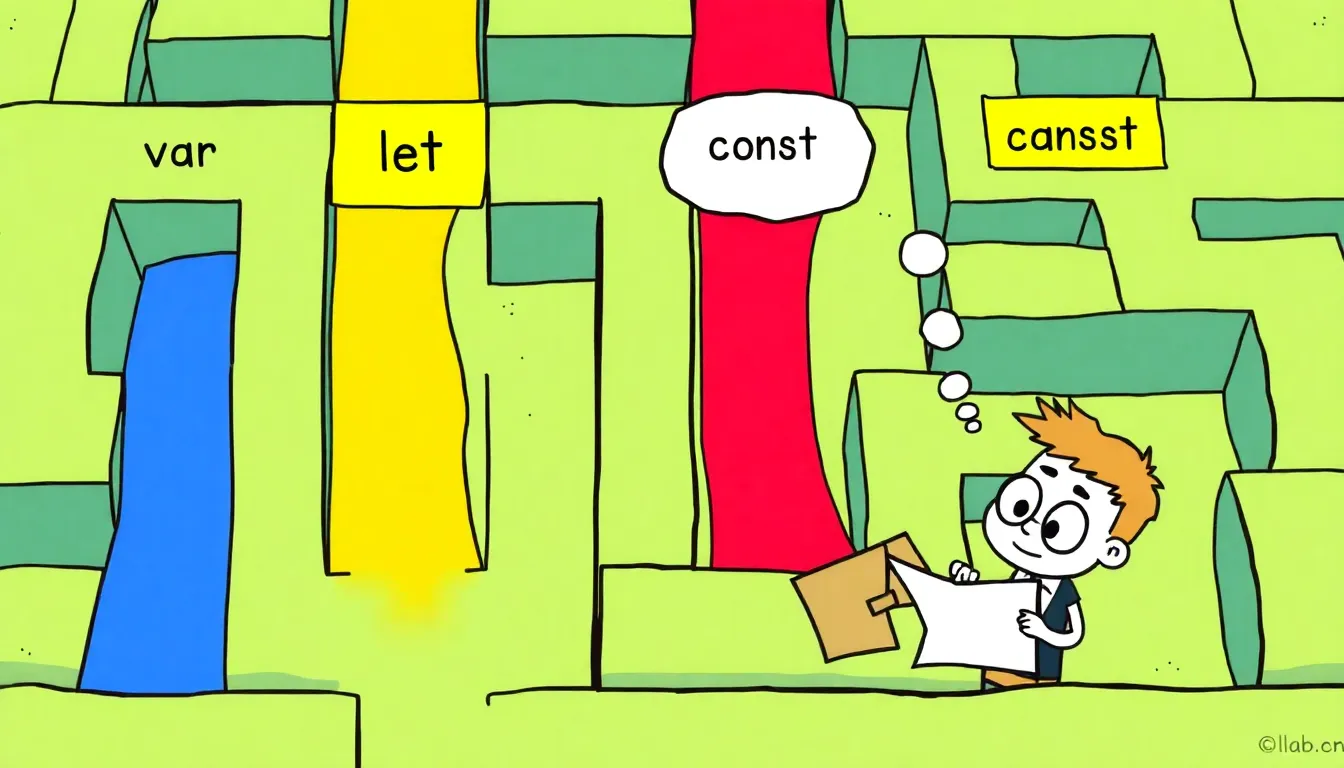
Variable scope in JavaScript can often feel like a maze, especially with the quirks that come from hoisting. Understanding how variables are scoped can save you a lot of headaches down the line. Let’s take a look at what happens when you declare a variable inside a function versus outside of it.
function exampleFunction() {
  var localVar = "I'm local!";
  console.log(localVar); // "I'm local!"
}

exampleFunction();
console.log(localVar); // ReferenceError: localVar is not defined
In this snippet, localVar is scoped to exampleFunction. Trying to access it outside of that function results in a ReferenceError. That is a prime example of function scope in action.
Now, let’s explore how hoisting plays a role in this. JavaScript hoists variable declarations to the top of their containing scope. However, it only hoists the declaration, not the initialization. This means that if you try to access a variable before it’s defined, you’ll get undefined for var declarations.
console.log(hoistedVar); // undefined
var hoistedVar = "I am hoisted!";
console.log(hoistedVar); // "I am hoisted!"
Notice how the first console.log outputs undefined, while the second one gives the initialized value. This behavior can lead to confusion, especially for those new to the language.
To illustrate further, let’s see how this works with let and const. These keywords do not hoist in the same way, leading to a different behavior known as the temporal dead zone:
console.log(letVar); // ReferenceError: Cannot access 'letVar' before initialization
let letVar = "I am not hoisted!";
This time, trying to access letVar before its declaration results in a ReferenceError. The same goes for const, reinforcing the idea that these declarations are block-scoped and not hoisted in the traditional sense.
When it comes to best practices, it’s crucial to understand when to use each variable type. For example, use var in function-level scopes, but avoid it in favor of let and const in modern JavaScript. The latter two provide block-level scoping, which aligns more closely with how most developers ponder about scope in other programming languages.
if (true) {
  let blockScopedVar = "I live only in this block!";
  console.log(blockScopedVar); // "I live only in this block!"
}

console.log(blockScopedVar); // ReferenceError: blockScopedVar is not defined
Using let and const not only helps prevent issues with hoisting and scope but also signals intent. const should be your go-to for variables that won’t be reassigned, while let is perfect for those that will.
As you get more comfortable with JavaScript, keep these principles in mind to avoid common pitfalls and write cleaner code that’s easier to maintain. Now, let’s explore some real-world examples of how these concepts apply in larger applications…

Misxi Case with Screen Protector for 46mm Apple Watch Series 11/10 | 2-Pack Cover with Tempered Glass for 11/10, Scratch Resistant Sensitive Touch Protection, Black
$9.96 (as of July 19, 2026 03:41 GMT +00:00 - More infoProduct prices and availability are accurate as of the date/time indicated and are subject to change. Any price and availability information displayed on [relevant Amazon Site(s), as applicable] at the time of purchase will apply to the purchase of this product.)Best practices for using var, let, and const
When working with variable declarations, one of the most common pitfalls is not understanding the implications of using var, let, and const effectively. The choice between these keywords can significantly impact the behavior of your code, especially in larger applications where scope and hoisting can lead to unexpected outcomes.
To illustrate this further, ponder the following example that demonstrates how var, let, and const behave differently within loops:
for (var i = 0; i < 3; i++) {
  setTimeout(function() {
    console.log("var: " + i); // Outputs: "var: 3" three times
  }, 100);
}

for (let j = 0; j < 3; j++) {
  setTimeout(function() {
    console.log("let: " + j); // Outputs: "let: 0", "let: 1", "let: 2"
  }, 100);
}
In the first loop, var is function-scoped, which means by the time the setTimeout callback executes, the loop has already completed and i has the value of 3. In contrast, let creates a new block scope for each iteration, allowing each callback to capture the correct value of j at the time of its creation.
Using const is also essential for defining constants in your code. It’s a clear signal to anyone reading your code that this variable should not change. Here’s an example:
const MAX_USERS = 10;
// MAX_USERS = 20; // TypeError: Assignment to constant variable.
Attempting to reassign a const variable results in a TypeError, which helps prevent accidental changes to important constants throughout your application. This practice is particularly useful in collaborative environments where multiple developers may work on the same codebase.
Moreover, when defining functions, it’s also advisable to use const when you don’t intend to reassign the function reference. For example:
const add = function(a, b) {
  return a + b;
};

console.log(add(2, 3)); // 5
Choosing const for function expressions can enhance readability and maintainability, as it communicates the intent that the function reference should remain unchanged.
In summary, understanding the nuances of var, let, and const especially important for writing robust JavaScript code. By adhering to best practices, such as using let and const for variable declarations and avoiding var unless absolutely necessary, you can mitigate common issues related to scope and hoisting. This will not only improve the quality of your code but also make it easier for others (and future you) to understand and maintain.
As you continue to develop your skills, remember that the choice of variable declaration is more than just a syntactical preference; it reflects your intention and can influence the behavior of your code in significant ways. Keep experimenting with these concepts in practical scenarios to solidify your understanding.