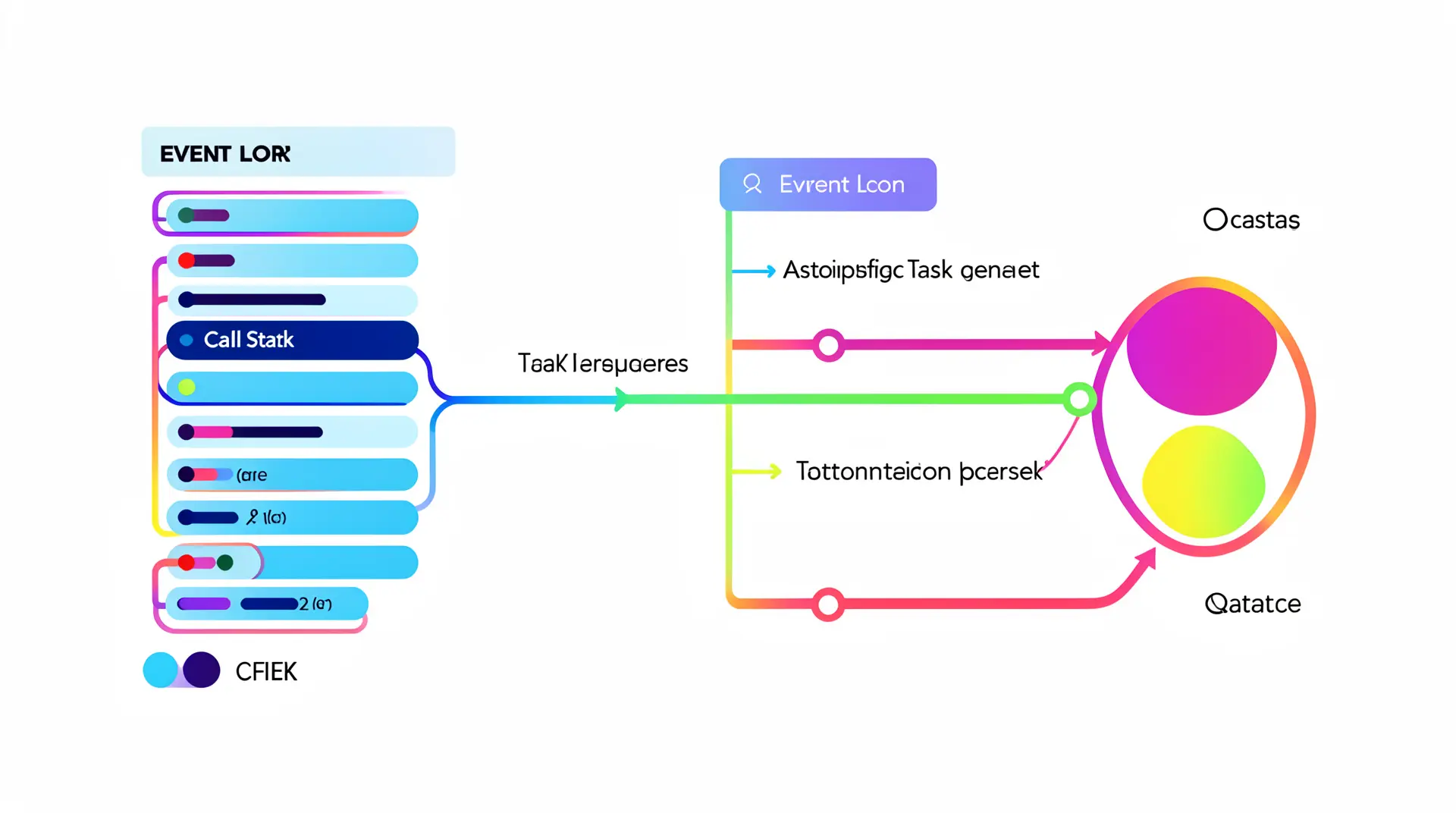
JavaScript’s event loop is the unsung hero behind its non-blocking, asynchronous magic. Without it, the browser or Node.js environment would grind to a halt every time a synchronous operation demanded the CPU’s undivided attention. The event loop is what lets JavaScript juggle multiple tasks without needing threads or parallelism in the traditional sense.
At its core, the event loop constantly checks the call stack and the task queue. If the call stack is empty, it picks the first task in the queue and pushes it onto the stack, allowing it to run. This cycle repeats endlessly, giving the illusion that JavaScript is doing many things at once—when in fact, it’s just rapidly switching between them.
Consider a simple example where you log something immediately, then schedule a timeout:
console.log("Start");

setTimeout(() => {
  console.log("Timeout finished");
}, 1000);

console.log("End");
Here, “Start” and “End” get logged right away because they’re synchronous. The function inside setTimeout is placed on the task queue after 1000ms. Once the call stack is clear, the event loop takes that callback and executes it. This separation ensures your UI doesn’t freeze while waiting for timeouts or other asynchronous operations.
But the event loop is more than just handling timers. It orchestrates input events, network requests, promises, and more. Every time you interact with a page or receive data from a server, the event loop coordinates when and how your code reacts, keeping the experience fluid and responsive.
One subtlety that trips many up is the distinction between the task queue and the microtask queue. Microtasks—like promise callbacks—have priority and run immediately after the current stack clears but before the event loop picks the next task. This prioritization is important for understanding why promises often run before other asynchronous callbacks, even if they were scheduled later.
Without the event loop’s continuous ticking, JavaScript would be stuck processing one thing at a time, blocking everything else. Instead, it manages a single-threaded environment with asynchronous capabilities that feel concurrent. This design is elegant and efficient, but it means you need to think differently about execution order and timing.

Ailun Screen Protector for iPad 11th A16 2025 [11 Inch] / 10th Generation 2022 [10.9 Inch], Tempered Glass [Face ID & Apple Pencil Compatible] Ultra Sensitive Case Friendly [2 Pack]
$7.98 (as of July 20, 2026 03:55 GMT +00:00 - More infoProduct prices and availability are accurate as of the date/time indicated and are subject to change. Any price and availability information displayed on [relevant Amazon Site(s), as applicable] at the time of purchase will apply to the purchase of this product.)Understanding synchronous and asynchronous execution
To grasp the nuances of synchronous versus asynchronous execution in JavaScript, it’s essential to understand how functions are executed. Synchronous code runs sequentially; each operation must complete before the next begins. In contrast, asynchronous code allows operations to proceed without waiting for others to finish, enabling a more efficient use of resources.
Here’s a simpler example illustrating synchronous execution:
function syncExample() {
  console.log("First");
  console.log("Second");
  console.log("Third");
}

syncExample();
In this case, the console will log “First”, then “Second”, and finally “Third” in that order, demonstrating how synchronous functions block each other until completion.
It’s time to explore an asynchronous example using a promise:
function asyncExample() {
  console.log("Start");

  return new Promise((resolve) => {
    setTimeout(() => {
      console.log("Inside Promise");
      resolve();
    }, 1000);
  }).then(() => {
    console.log("Promise Resolved");
  });

  console.log("End");
}

asyncExample();
In this scenario, “Start” is logged first, followed immediately by “End”. The message “Inside Promise” appears after 1 second, followed by “Promise Resolved”. This illustrates how asynchronous code can allow subsequent lines to execute while waiting for other operations to complete.
Asynchronous execution is particularly beneficial for I/O-bound operations, such as network requests. Performing these tasks synchronously would lead to a blocked thread, rendering applications unresponsive. Instead, we can leverage JavaScript’s asynchronous capabilities to improve user experience.
When working with asynchronous patterns, it’s vital to manage the flow of execution. Callbacks were the traditional way to handle this, but they can lead to complex nesting, often referred to as “callback hell”. Promises were introduced to provide a cleaner alternative:
function fetchData() {
  return new Promise((resolve, reject) => {
    setTimeout(() => {
      const data = { id: 1, name: "Item" };
      resolve(data);
    }, 2000);
  });
}

fetchData().then((data) => {
  console.log("Fetched data:", data);
});
This promise-based approach simplifies error handling and chaining operations. However, the introduction of async/await syntax has made asynchronous code even more readable:
async function getData() {
  try {
    const data = await fetchData();
    console.log("Fetched data:", data);
  } catch (error) {
    console.error("Error fetching data:", error);
  }
}

getData();
With async/await, asynchronous code can be written in a style that resembles synchronous code, making it easier to follow. This shift has significantly improved code readability and maintainability, allowing developers to focus on logic rather than the mechanics of asynchronous flow. Understanding these concepts especially important as they form the backbone of modern JavaScript programming, influencing how we structure applications and handle events.
But the journey doesn’t end here; mastering asynchronous execution requires a deep dive into the intricacies of error handling, cancellation of async operations, and managing concurrency. As you build more complex applications, you’ll encounter scenarios where the choice of asynchronous patterns can greatly affect performance and user experience. Being adept at these patterns allows you to write resilient and efficient code that can handle the demands of real-time web applications.
As you explore these concepts, consider the implications of each method. For instance, while async/await may seem simpler, it introduces its own set of challenges, especially regarding error propagation and handling multiple concurrent operations. Balancing clarity and functionality is key in crafting robust solutions. The landscape of asynchronous programming in JavaScript is rich and varied, and understanding it thoroughly can elevate your experience in coding to new heights.
Callbacks, promises, and async/await explained
Callbacks are the most fundamental way to handle asynchronous operations in JavaScript. They involve passing a function as an argument to another function, which then invokes that callback once an asynchronous task completes. While simple, callbacks can quickly lead to deeply nested, hard-to-maintain code, especially when multiple asynchronous operations depend on each other.
Here’s a basic callback example:
function doAsyncTask(callback) {
  setTimeout(() => {
    callback("Task complete");
  }, 1000);
}

doAsyncTask((message) => {
  console.log(message);
});
Notice how the callback function runs only after the timeout finishes. However, when you chain multiple callbacks, you might end up with something like this:
doAsyncTask((msg1) => {
  console.log(msg1);
  doAsyncTask((msg2) => {
    console.log(msg2);
    doAsyncTask((msg3) => {
      console.log(msg3);
      // and so on...
    });
  });
});
This “callback hell” can become difficult to debug and reason about, which is why promises were introduced.
Promises represent an operation that hasn’t completed yet but is expected in the future. They provide methods like then and catch to handle success and failure, respectively, allowing for cleaner chaining and error propagation.
Here’s how you can rewrite the previous callback example using promises:
function doAsyncTask() {
  return new Promise((resolve) => {
    setTimeout(() => {
      resolve("Task complete");
    }, 1000);
  });
}

doAsyncTask()
  .then((message) => {
    console.log(message);
    return doAsyncTask();
  })
  .then((message) => {
    console.log(message);
    return doAsyncTask();
  })
  .then((message) => {
    console.log(message);
  })
  .catch((error) => {
    console.error("Error:", error);
  });
This approach flattens the structure, making it easier to follow the flow of asynchronous operations. Moreover, promises propagate errors down the chain, which can be caught in a single catch block.
Async/await is syntactic sugar built on top of promises. It allows you to write asynchronous code that looks synchronous, improving clarity and reducing boilerplate. The async keyword marks a function as asynchronous, and await pauses execution until the awaited promise resolves.
Rewriting the previous example with async/await looks like this:
async function runTasks() {
  try {
    const msg1 = await doAsyncTask();
    console.log(msg1);

    const msg2 = await doAsyncTask();
    console.log(msg2);

    const msg3 = await doAsyncTask();
    console.log(msg3);
  } catch (error) {
    console.error("Error:", error);
  }
}

runTasks();
Notice how this linear style eliminates nested callbacks and chaining, making the code more readable while preserving asynchronous behavior. Error handling also becomes more simpler with try/catch blocks.
However, be cautious: using await inside loops or sequentially can introduce unintended delays because each await pauses the function until the promise resolves. When tasks are independent, it’s often better to run them concurrently:
async function runConcurrentTasks() {
  try {
    const promises = [doAsyncTask(), doAsyncTask(), doAsyncTask()];
    const results = await Promise.all(promises);
    results.forEach((msg) => console.log(msg));
  } catch (error) {
    console.error("Error:", error);
  }
}

runConcurrentTasks();
Using Promise.all runs all promises in parallel and waits for all to resolve. If any promise rejects, the entire Promise.all rejects immediately, so error handling needs to account for that.
Callbacks, promises, and async/await form a continuum of asynchronous programming techniques in JavaScript. Callbacks are simple but can lead to complexity, promises offer more structure and better error handling, and async/await provides the cleanest syntax for working with asynchronous flows. Mastering these tools is vital for writing efficient, maintainable JavaScript code in modern applications.