The Nature of Code

The Nature of Code

"The Nature of Code" by Daniel Shiffman is essential for developers interested in simulating natural phenomena using JavaScript. Focused on emergent behaviors, procedural generation, and complex systems, this book offers insights for creative coders, game developers, and students. Transform coding into an exploration of interconnected patterns and behaviors.
How to clone an object with Lodash

How to clone an object with Lodash

Mastering deep cloning is essential for managing complex data structures, ensuring nested objects are treated independently. Key considerations include how cloning interacts with various data types, performance implications, and potential unexpected behaviors with intricate types like Dates and custom classes. Profiling and testing are crucial for avoiding bugs.
How to create a counter using closures in JavaScript

How to create a counter using closures in JavaScript

Enhance JavaScript counter functionality with closures to encapsulate state and behaviors. The advanced counter allows incrementing, resetting, and retrieving current count values while maintaining a clean interface. This modular approach supports creating multiple instances, ensuring independent states for each counter. Ideal for complex applications requiring state management.
Web Design Set

Web Design Set

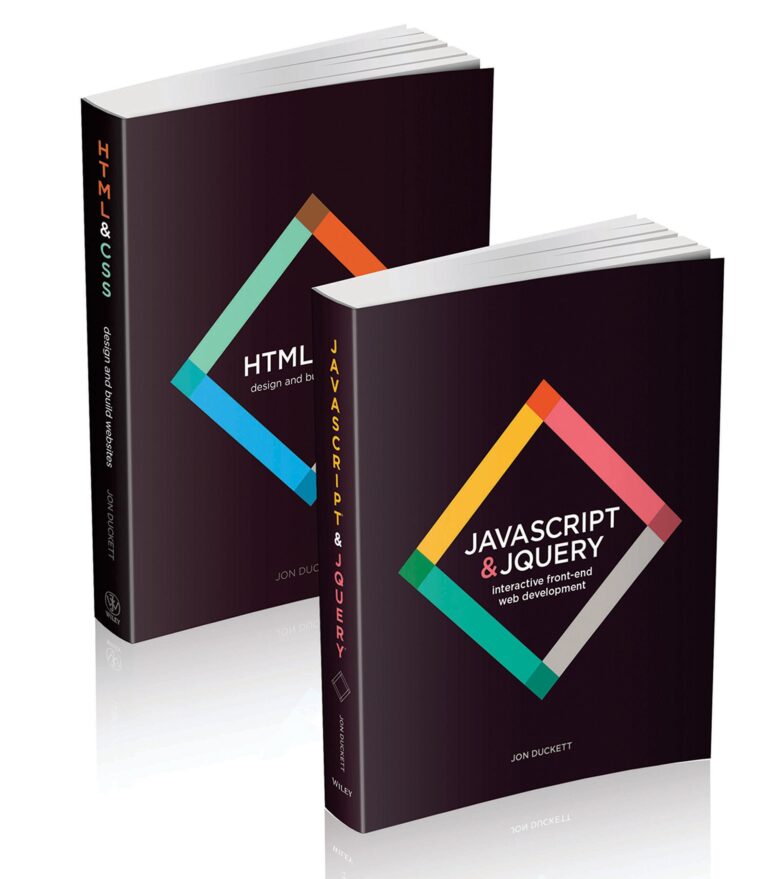
"Web Design with HTML, CSS, JavaScript and jQuery" offers a comprehensive foundation for creating dynamic, responsive websites. Covering essential technologies and hands-on projects, this book is ideal for beginners and seasoned designers alike, enhancing coding skills and modern web design techniques for all levels.
How to declare constants in JavaScript

How to declare constants in JavaScript

Defining constants in code with const enhances predictability and maintainability. Ideal for primitive values, const signals intent and prevents accidental reassignment. Use uppercase naming for clarity. Consider Object.freeze() for immutability in configuration objects, and avoid var for better scoping. Separate constants into dedicated modules for easier management.
How to extract the year from a date in JavaScript

How to extract the year from a date in JavaScript

Retrieve the year from a JavaScript Date object using the getFullYear() method, which returns a four-digit year based on the local time zone. Contrast this with the deprecated getYear() method, which produces inaccurate results. For UTC year retrieval, utilize getUTCFullYear(). Ensure proper date parsing for consistent results across browsers.