How to register a web component using customElements.define

How to register a web component using customElements.define

Custom elements in web development can be defined using customElements.define() with a hyphenated name and a class. Once registered, these elements can be used in HTML like standard tags. This method enhances UI maintainability and encapsulation, allowing for dynamic updates and robust component design. Consider browser compatibility and reusability for optimal functionality.
How to parse nested JSON objects in JavaScript

How to parse nested JSON objects in JavaScript

Handling nested JSON presents challenges such as runtime errors from undefined properties, trusting external data structures, and performance issues with deep nesting. Implementing validation with libraries like Ajv, managing circular references, and using deep merge utilities are key practices. Employing streaming parsers for large JSON data can enhance performance and avoid blocking.
Crafting Clean Code with JavaScript and React

Crafting Clean Code with JavaScript and React

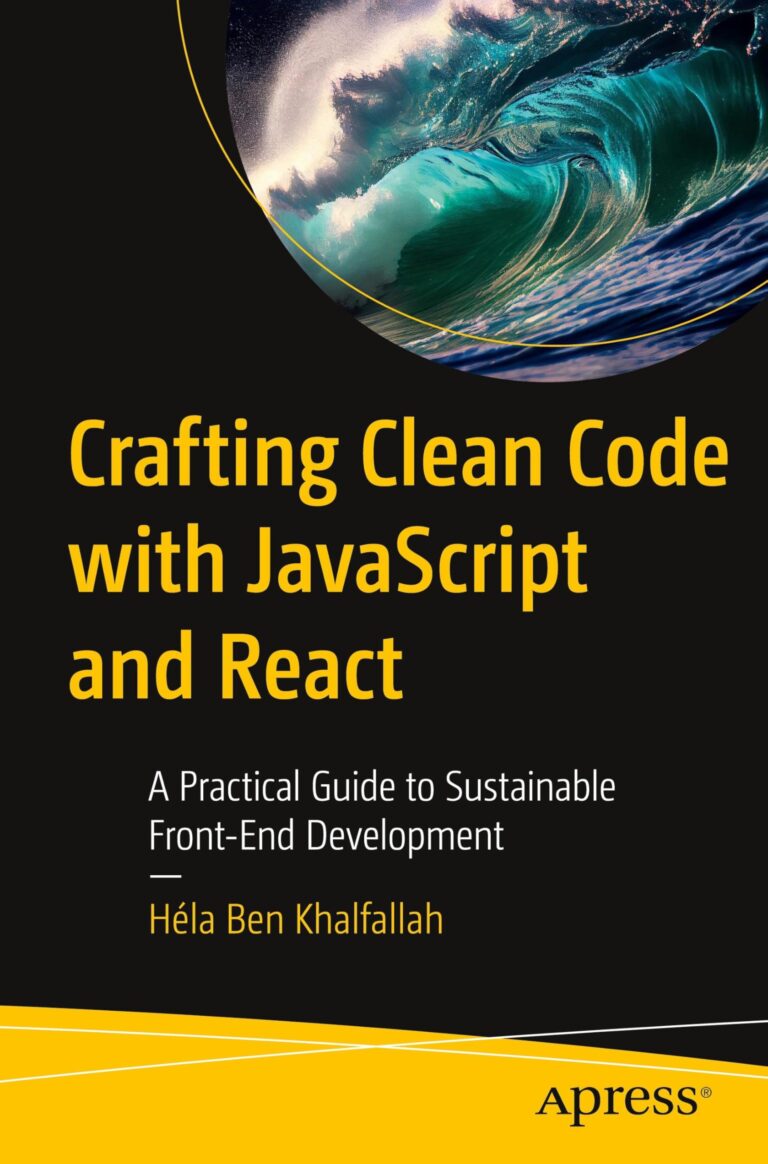
Crafting Clean Code with JavaScript and React offers practical strategies for developers seeking to enhance front-end development. Focus on writing maintainable, elegant code through modular React components, scalable design patterns, and reducing complexity. Ideal for aspiring developers and teams aiming for robust coding standards.
Javascript For Beginners

Javascript For Beginners

"JavaScript For Beginners: A Complete Step-by-Step Guide" offers clear explanations on essential concepts like control flow, functions, arrays, and objects, making it ideal for novices and those feeling stuck in programming. This resource includes hands-on exercises and insights into modern JavaScript to help build coding confidence effectively.
How to use named functions as callbacks in JavaScript

How to use named functions as callbacks in JavaScript

Implementing named functions in asynchronous code enhances clarity, reusability, and maintainability. Named functions streamline event listeners and callbacks, making error handling simpler. This approach improves structure in promise chaining and facilitates cleanup logic. Utilizing named functions for multiple asynchronous tasks promotes better organization and readability in your code.
Web Development with HTML, CSS, and JavaScript

Web Development with HTML, CSS, and JavaScript

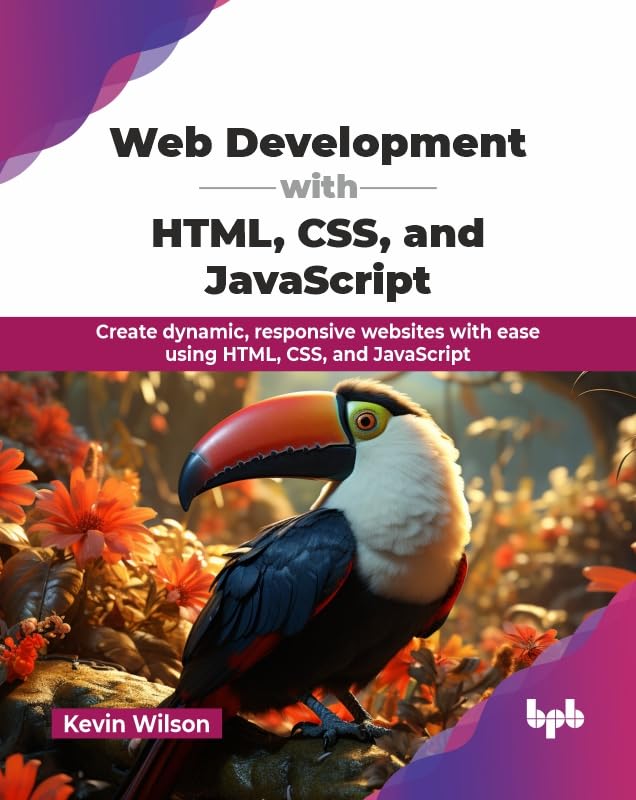
"Web Development with HTML, CSS, and JavaScript" provides a comprehensive guide for creating dynamic, responsive websites. It covers essential topics such as structured learning of HTML, CSS, and JavaScript, hands-on examples, responsive design techniques, and modern workflow tools like VS Code and Node.js. Ideal for beginners and designers seeking front-end skills.